Calls Blacklist Call Blocker Review Stop Spam Calls Easily
Introduction
Spam calls have become one of the biggest frustrations for smartphone users. Whether it is telemarketing calls, scam attempts, robocalls, or unwanted messages, these interruptions can waste time and create unnecessary stress. Fortunately, there are effective solutions available, and one of the most popular options is Calls Blacklist Call Blocker.
This powerful Android application helps users block unwanted calls and SMS messages quickly and efficiently. As a result, you can enjoy a cleaner and more peaceful mobile experience. In this review, we will explore the features, benefits, performance, and reasons why Calls Blacklist continues to be a favorite choice among Android users.
What Is Calls Blacklist Call Blocker?
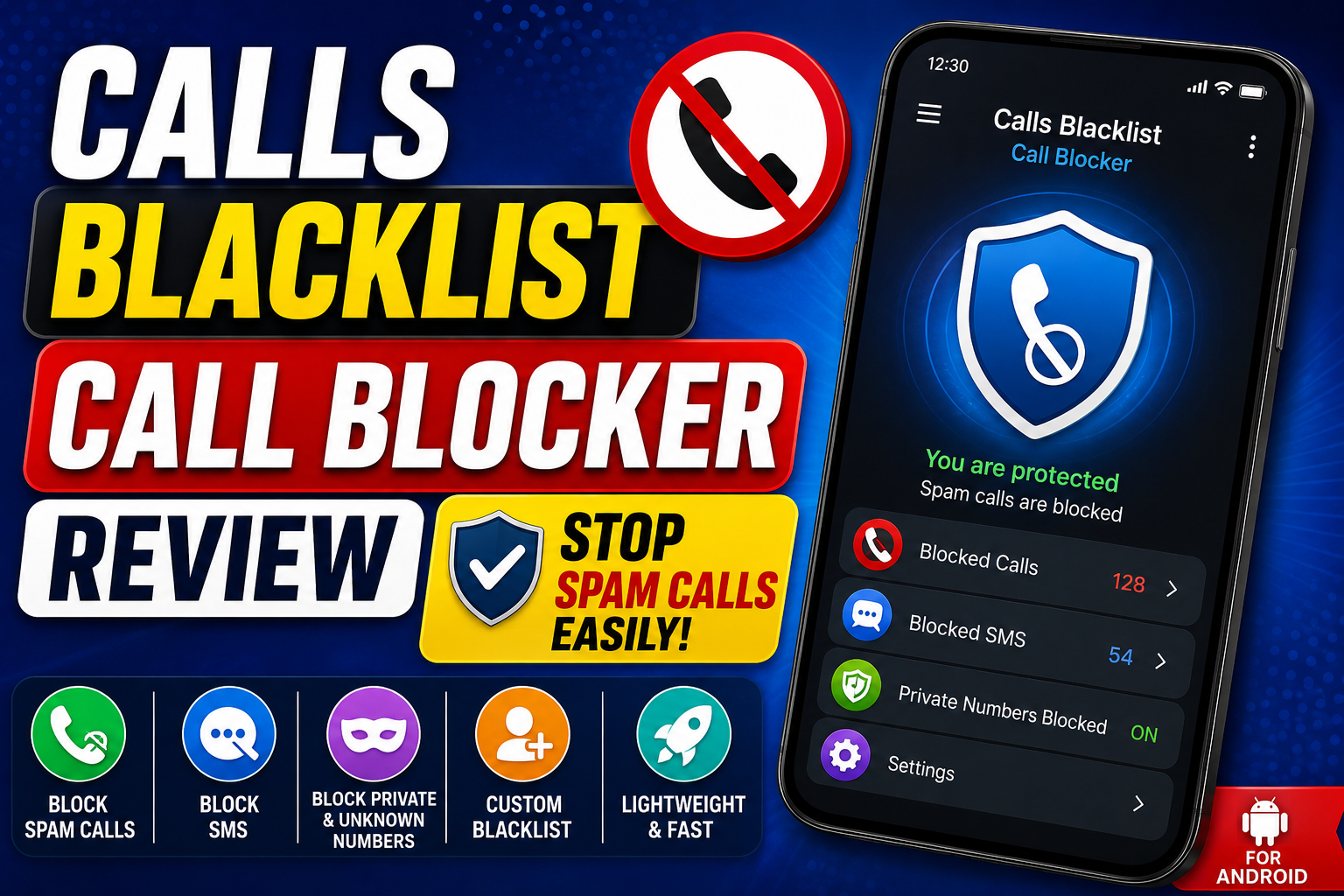
Calls Blacklist Call Blocker is an Android app designed to prevent unwanted phone calls and text messages from reaching your device. It allows users to create custom blacklists, block private numbers, and stop spam calls automatically.
Unlike many complicated security apps, Calls Blacklist focuses on simplicity. Therefore, even beginners can start using it within minutes.
Key Features of Calls Blacklist
Easy Call Blocking
The main feature of the app is its ability to block unwanted calls instantly. Users can add phone numbers manually or choose them directly from their contacts and call history.
Consequently, annoying callers can be stopped with just a few taps.
SMS Blocking
In addition to blocking calls, the app can also prevent unwanted text messages. This feature is especially useful for reducing spam promotions and suspicious messages.
Private and Unknown Number Blocking
Many spam callers hide their phone numbers. Fortunately, Calls Blacklist allows users to block private, hidden, and unknown numbers automatically.
As a result, your phone remains protected even when the caller identity is concealed.
Custom Blacklist Management
Users can create personalized blacklists based on their specific needs. For example, if a telemarketing company repeatedly contacts you from different numbers, those numbers can be added to the blacklist quickly.
Lightweight and Fast Performance
One of the biggest advantages of Calls Blacklist is its small size. The app uses minimal system resources, which means it runs smoothly even on older Android devices.
User Interface and Ease of Use
The application features a simple and user friendly interface. Everything is clearly organized, making navigation easy for both new and experienced users.
After installation, users can immediately start adding numbers to the blacklist. Furthermore, the settings menu provides useful customization options without feeling overwhelming.
This balance between simplicity and functionality is one reason why many Android users prefer Calls Blacklist over more complicated alternatives.
Benefits of Using Calls Blacklist
Better Privacy
Spam calls often involve unwanted marketing or potential scams. By blocking these interruptions, users can protect their personal information more effectively.
Fewer Distractions
Constant phone calls can interrupt work, meetings, studies, or personal time. Therefore, blocking unwanted callers helps maintain focus throughout the day.
Improved Phone Experience
A cleaner call log and fewer spam notifications create a much more enjoyable smartphone experience.
Free to Use
Many users appreciate that the app offers valuable call blocking features without requiring expensive subscriptions.
Real World Example
Imagine receiving several telemarketing calls every day. Each call interrupts your routine and wastes valuable time. With Calls Blacklist, you can add those numbers to your blacklist once and prevent future interruptions automatically.
Similarly, if you receive spam SMS messages promoting suspicious offers, the app can block those messages before they become a problem.
Tips for Getting the Best Results
Update Your Blacklist Regularly
Add new spam numbers whenever they appear. This helps keep your protection effective over time.
Enable Unknown Number Blocking
Many unwanted callers use hidden numbers. Activating this feature can significantly reduce spam calls.
Review Blocked Activity
Occasionally check blocked calls and messages to ensure that no important contacts were blocked accidentally.
Combine with Safe Phone Practices
While Calls Blacklist is highly effective, users should still avoid sharing personal information with unknown callers.
Is Calls Blacklist Worth Using?
For most Android users, the answer is yes. The app delivers reliable call blocking, SMS filtering, and privacy protection in a simple package. Moreover, it remains lightweight and easy to manage.
Unlike some security apps that focus on dozens of features, Calls Blacklist concentrates on solving one problem exceptionally well. Consequently, it performs its core task efficiently and consistently.
Conclusion
Calls Blacklist Call Blocker is an excellent solution for anyone tired of spam calls and unwanted text messages. Its simple interface, effective blocking tools, and lightweight design make it one of the best call blocker apps available for Android users.
If you want greater privacy, fewer interruptions, and more control over who can contact you, Calls Blacklist is definitely worth considering. With just a few minutes of setup, you can significantly reduce spam calls and enjoy a quieter, more secure mobile experience.
